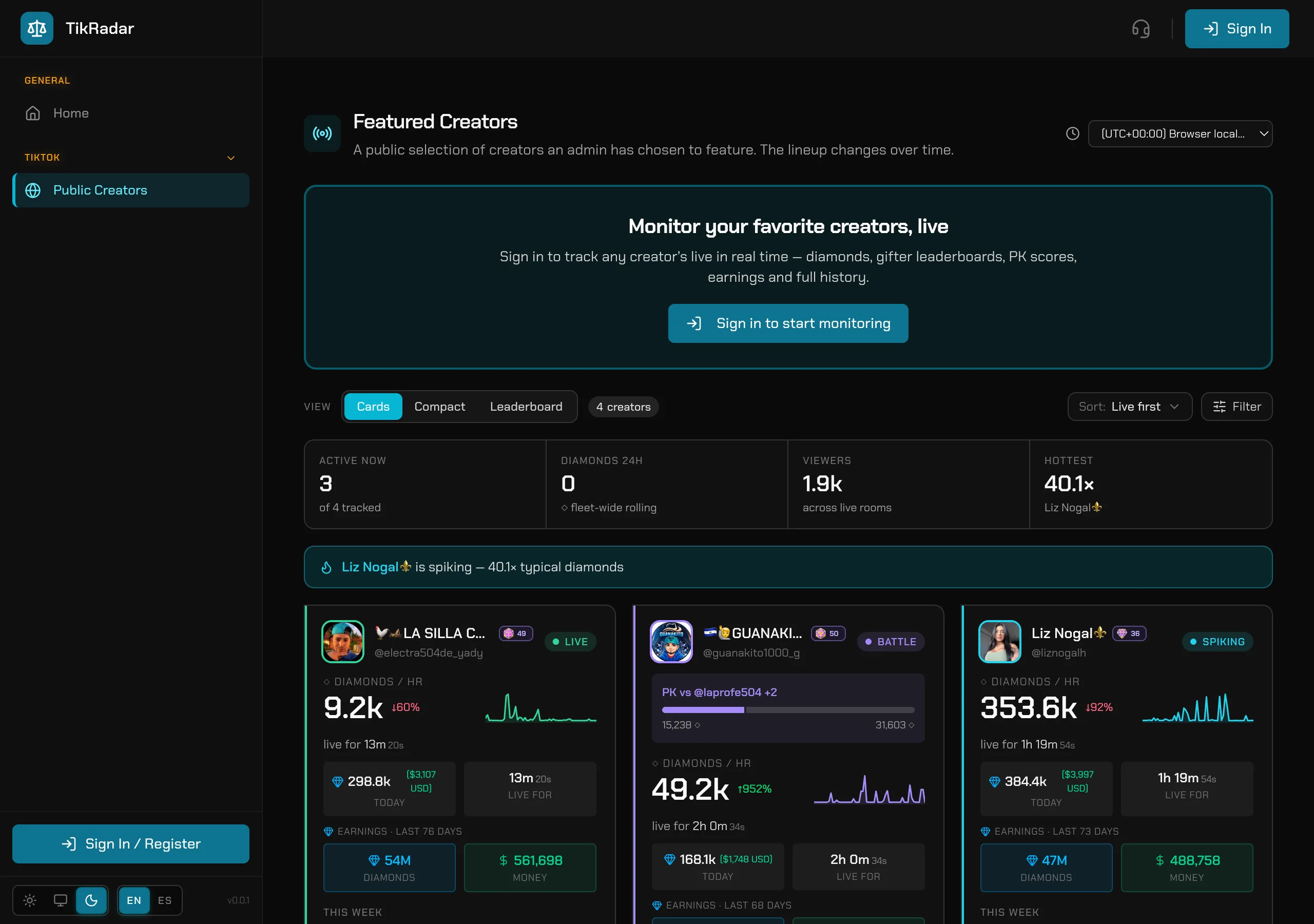
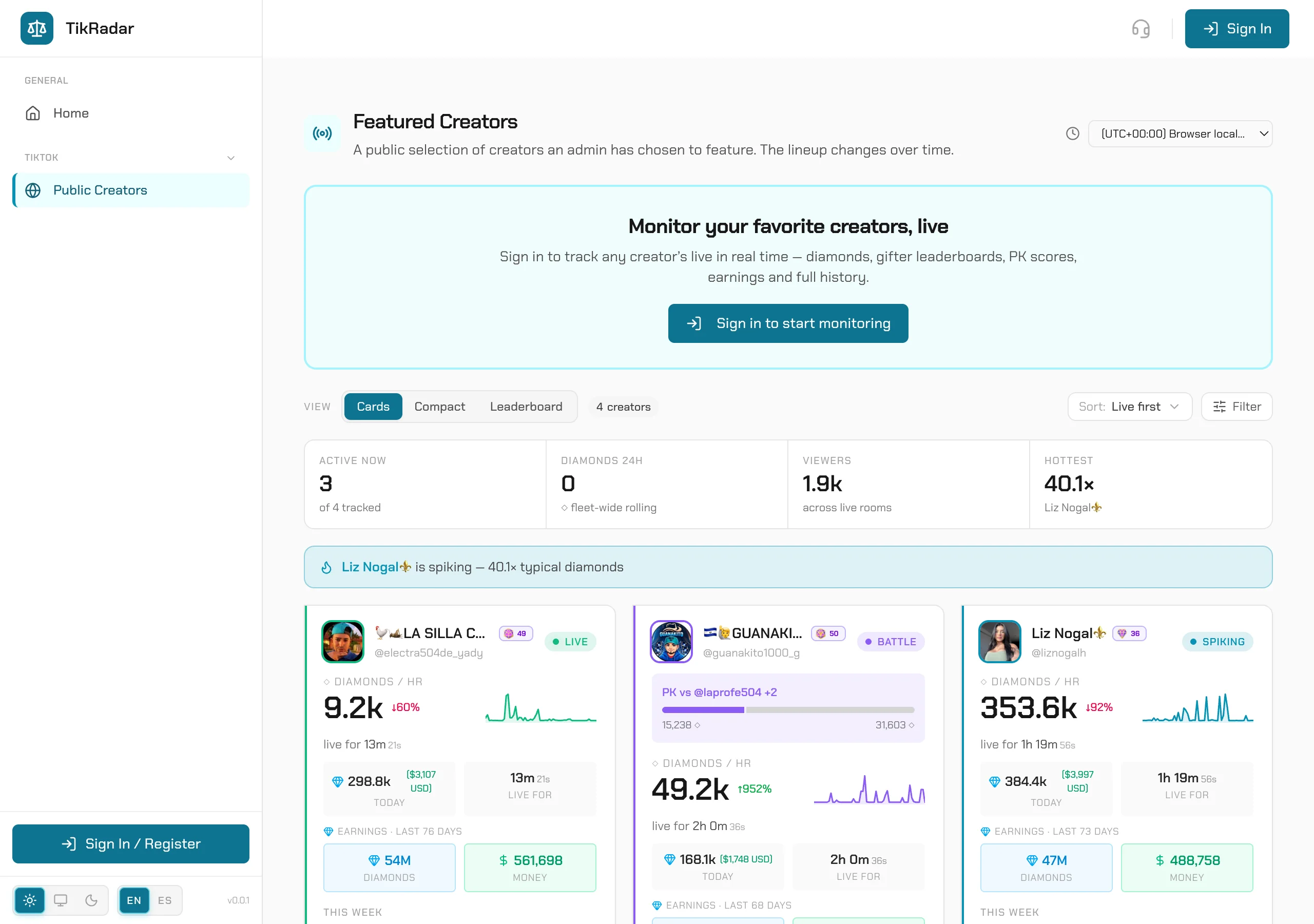
The fastest way to see TikRadar working is the public board: a curated set of creators whose live analytics are open to anyone. No account, no card — it is the same console paying operators use, scoped to public creators.
STEP 01
Open the public board
Go to app.tikradar.io/public/lives. You get the Featured Creators board: every publicly shared creator as a card, live ones first. The strip on top summarizes the whole fleet — who is ACTIVE NOW, rolling 24h diamonds, viewers across live rooms, and the hottest room right now.
STEP 02
Read a creator card
Each card is a compressed live page: LIVE or BATTLE badge, the PK opponent and score when a battle is on, diamonds-per-hour with a sparkline, time live, today’s diamonds (and USD), an earnings block for the tracked period, the week’s per-day bars, and the top gifters of the session.
STEP 03
Switch views and sort
The VIEW toggle switches Cards, Compact, and Leaderboard layouts; the sort control defaults to Live-first. Compact fits a big roster on one screen, Leaderboard ranks the fleet by the metric you care about.
STEP 04
Drop into a live
Click any card to open that creator’s full live page — real-time feed, PK battle detail, gifters, charts, and history. That page is shareable: copy the URL and anyone can open it, no login.
Screenshots are real captures from the production console.