A creator’s live page is the whole story of their broadcasting — identity, money, history, and the room’s pulse — on one scroll. Here is what each section tells you, top to bottom.
STEP 01
The header: identity + money at a glance
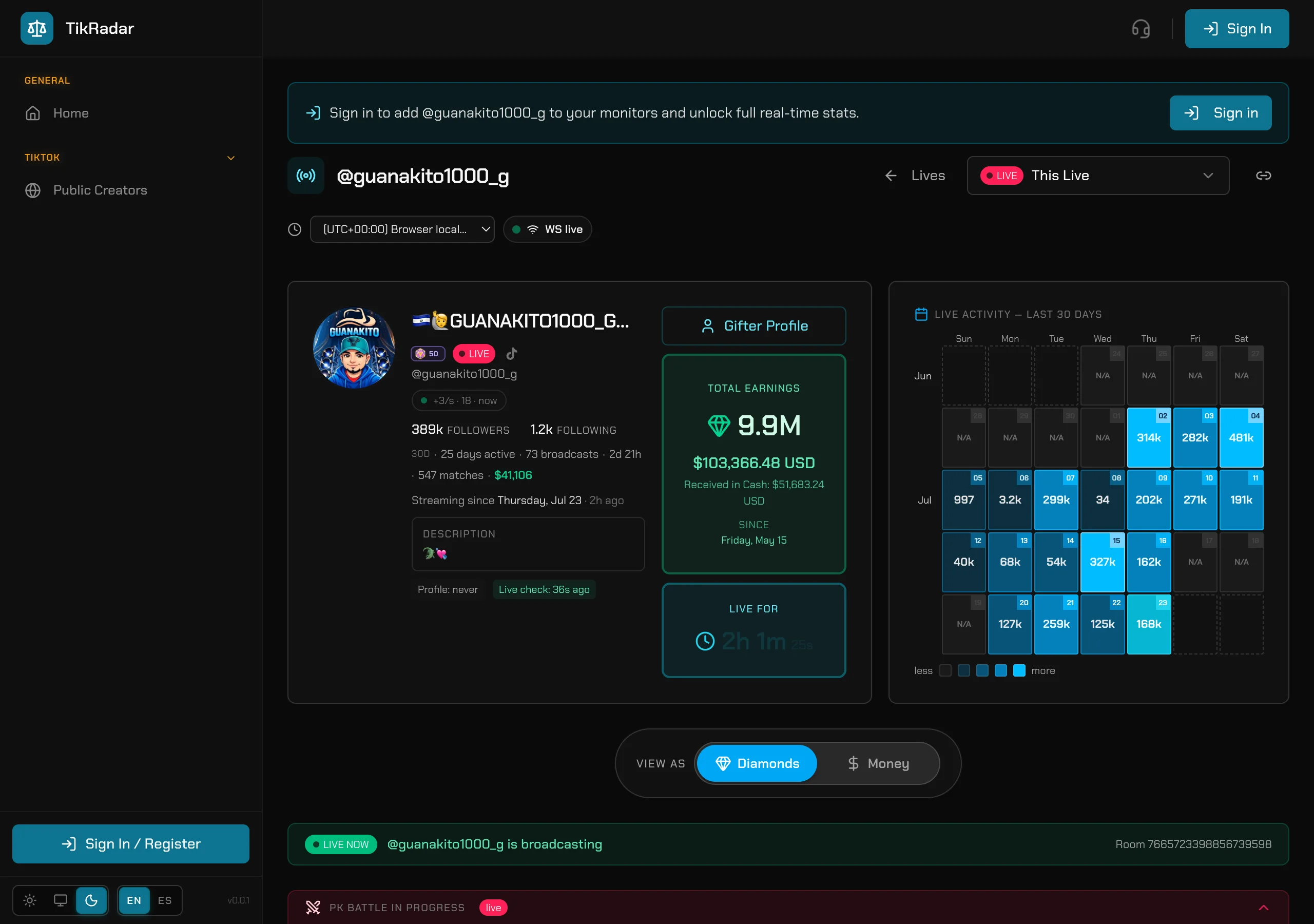
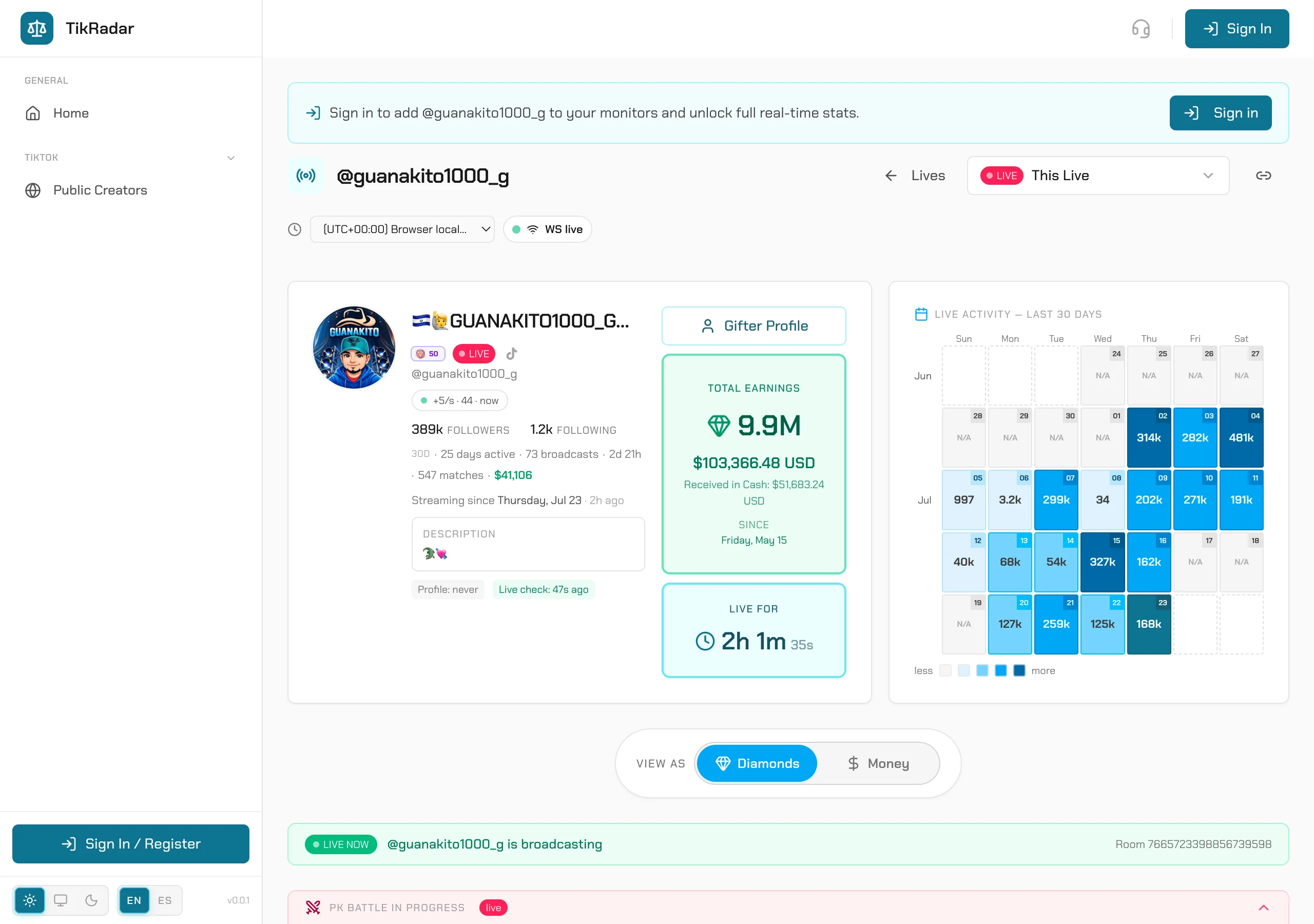
Top left: avatar, nickname, real TikTok level badge, LIVE state, followers, days active, broadcast count, and total tracked time. The green card resolves everything to money — total diamonds, gross USD, and the received-in-cash estimate since tracking started. Next to it, LIVE FOR ticks the current session.
STEP 02
The activity calendar
LIVE ACTIVITY — LAST 30 DAYS is a per-day heatmap of captured diamonds. Darker cell, bigger day. Click any day to jump to that day’s sessions; the VIEW AS toggle flips every number on the page between Diamonds and Money.
STEP 03
The diamond timeline
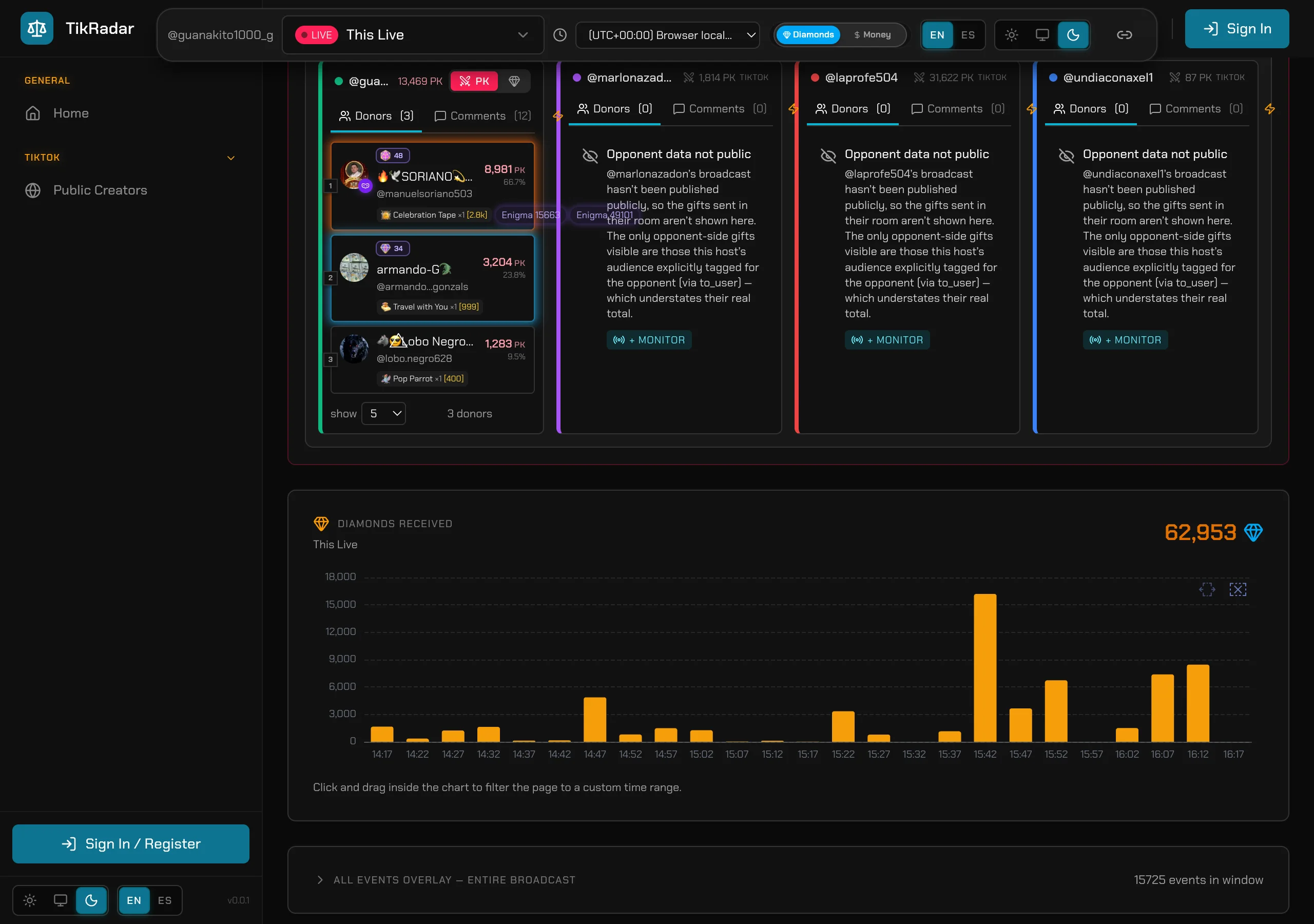
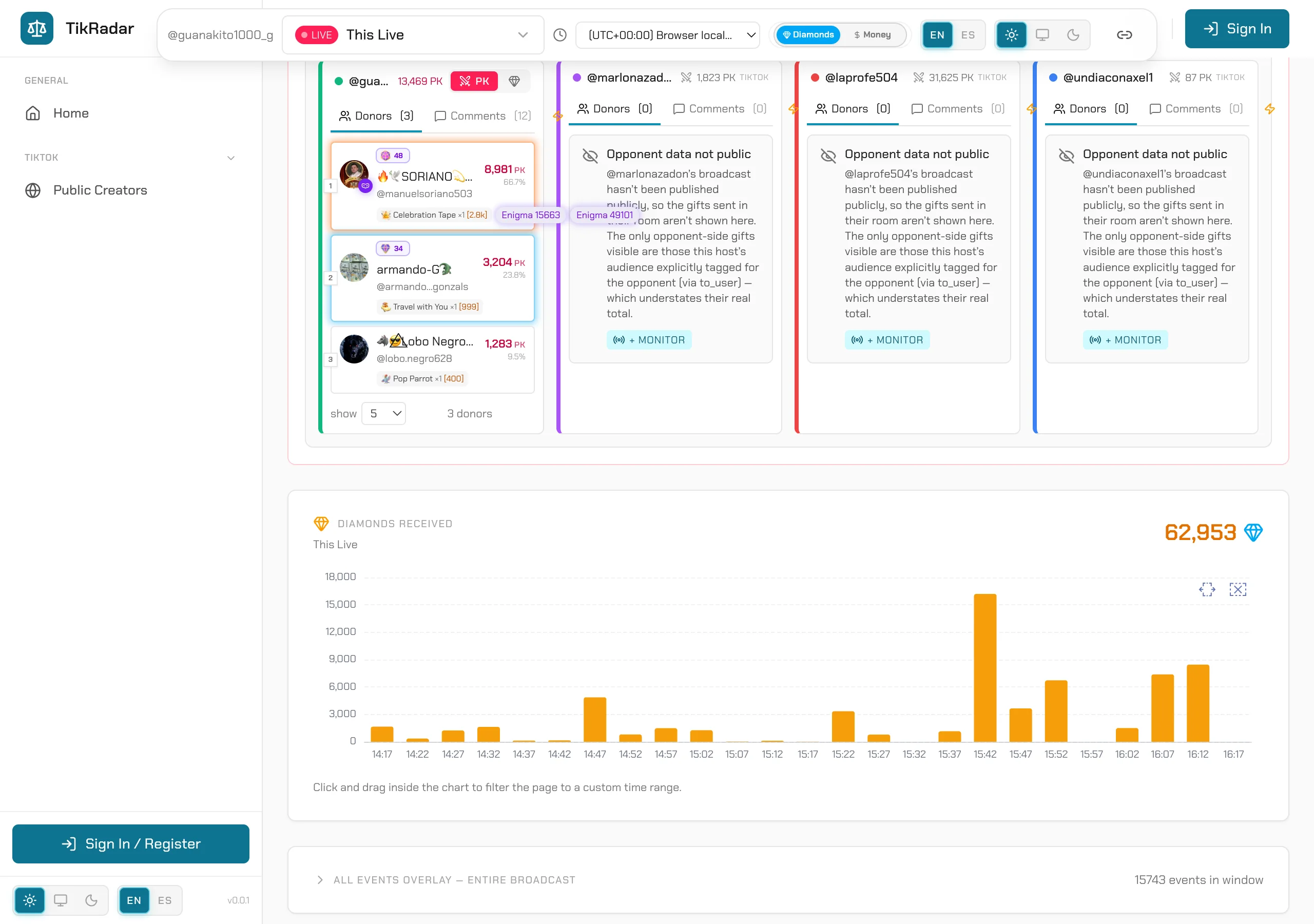
DIAMONDS RECEIVED charts income across the live, minute by minute. Click and drag inside the chart to brush-select a window — the whole page re-scopes to that range. The events overlay shows everything captured in the window.
STEP 04
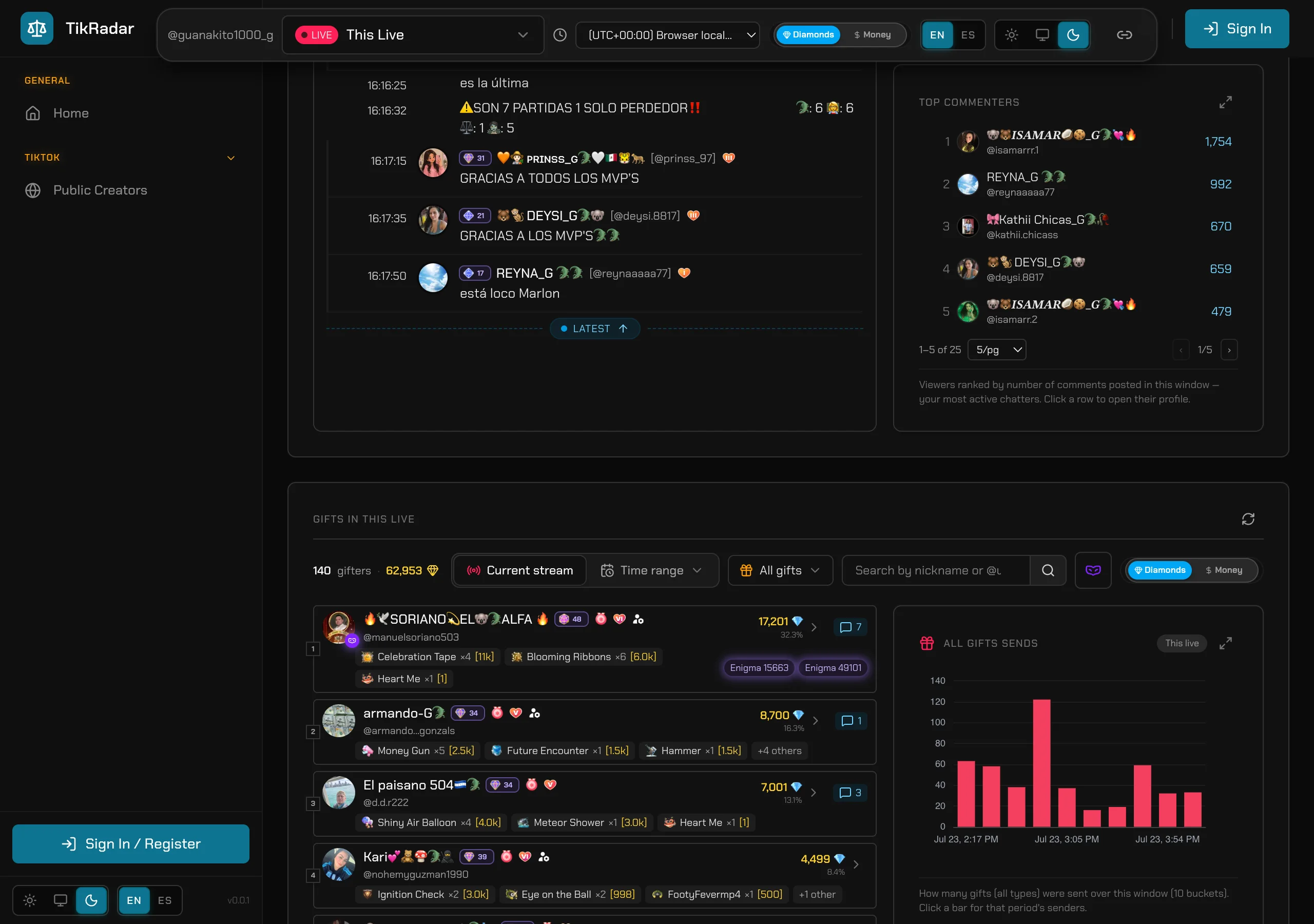
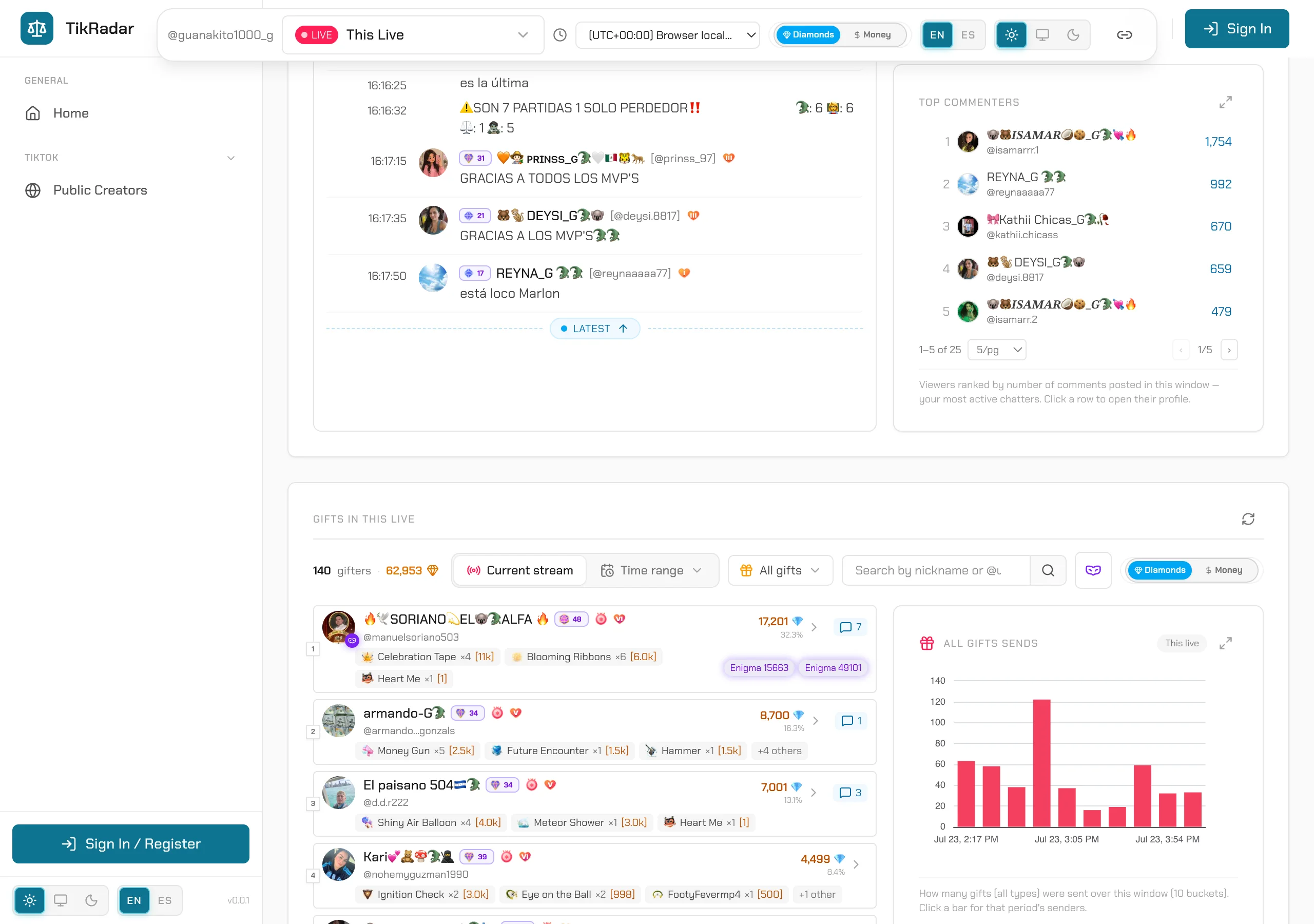
Comments: feed, search, and the spam signal
COMMENTS IN THIS LIVE streams the chat in real time, with each commenter’s level badge. Search any text or user across the current stream or a time range. On the right, REPEAT PHRASES surfaces messages sent 3+ times by 2+ distinct viewers — a clean hype/coordination signal; click a phrase to see who posted it.
STEP 05
Gifts: who sent what, and what it was worth
GIFTS IN THIS LIVE ranks every gifter of the session with their diamonds, share, and per-gift breakdown (Galaxy ×1, Money Gun ×1…). The side panels chart all gift sends over time, top gifts by value, and the donor-level radar — crowd vs paying gifters across TikTok levels.
STEP 06
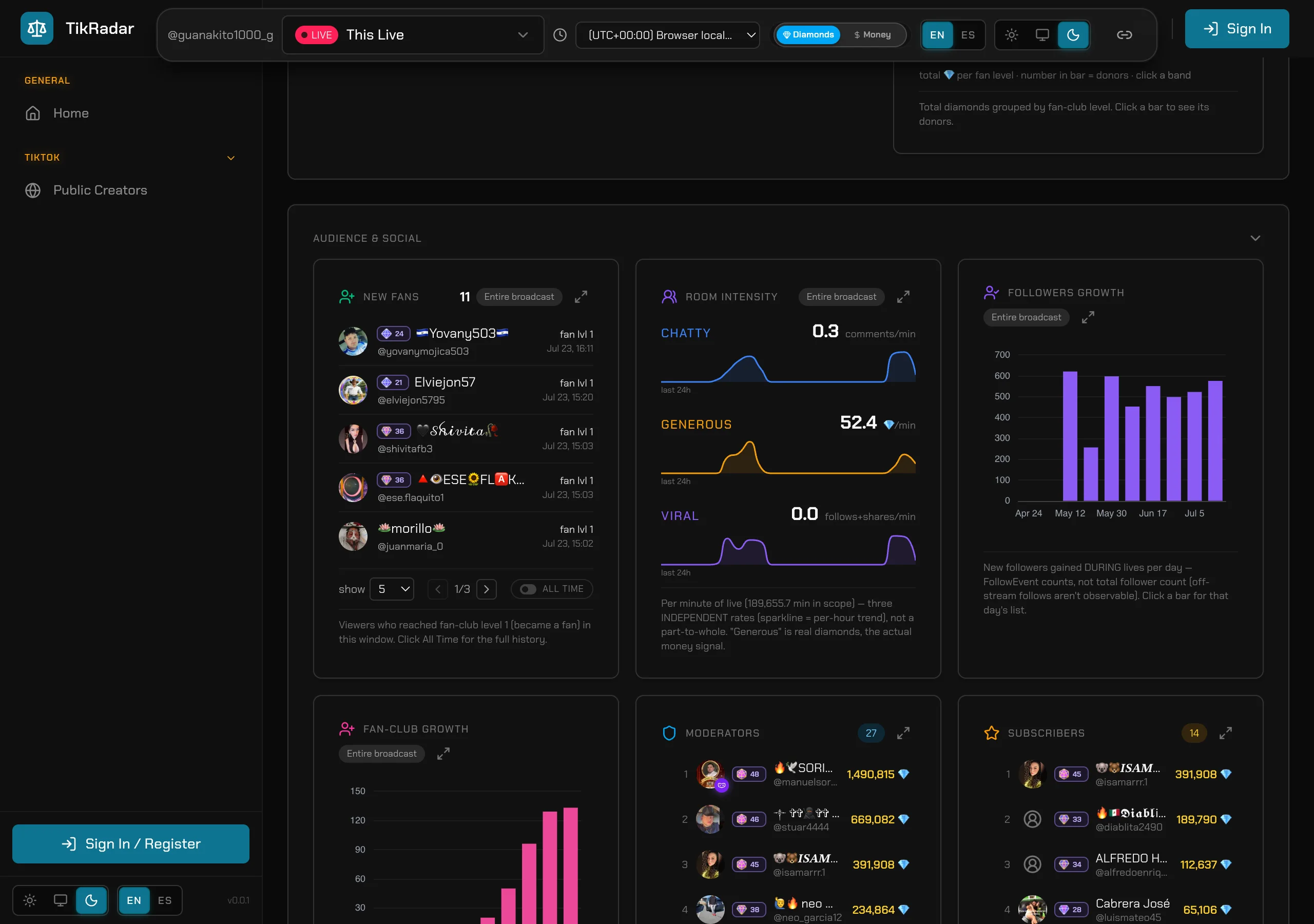
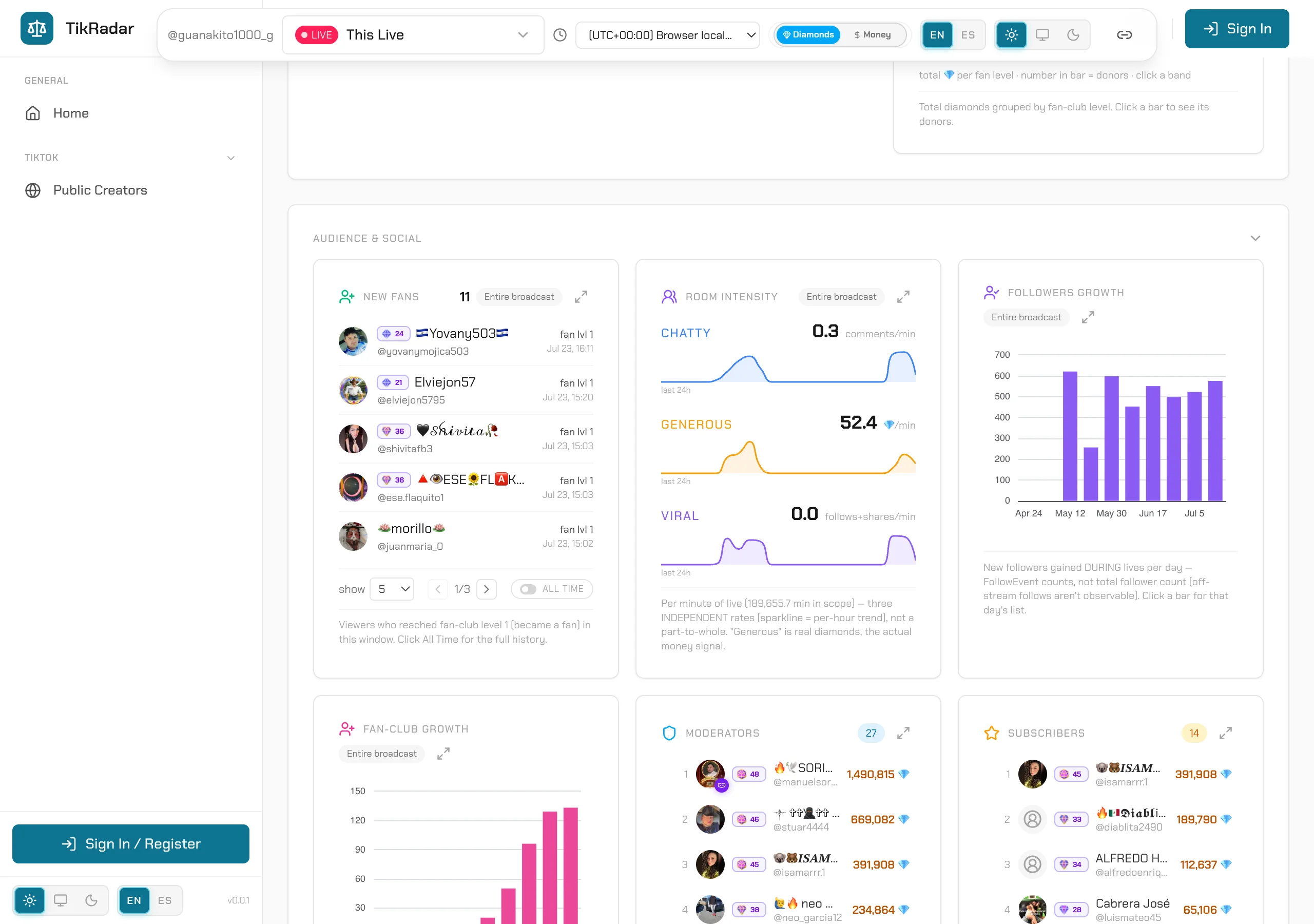
Audience & social
The bottom panels track the community behind the diamonds: fan-club growth per day, the moderator roster with their diamonds, subscribers, new fans, and the follows+shares viral rate. This is where you see whether a room is growing or just spiking.
Screenshots are real captures from the production console.